
Honda Fit: Drive Belt Auto-Tensioner Pulley Replacement
-
Remove the auto-tensioner.
-
Remove the tensioner pulley.
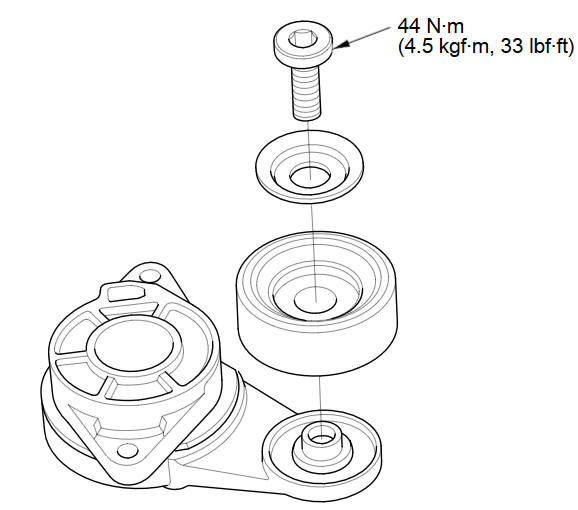
-
Install the tensioner pulley in the reverse order of removal.
-
Install the auto-tensioner.
See also:
Clutch Pedal Position Switch Replacement (With Cruise Control (M/T))
Disconnect the 2P connector (A) from the clutch pedal position switch
(B).
@font-face{font-family:
"Honda_SymbolMarkeng"; ...
High-Mount Brake Light Bulb
High-mount brake light bulb is a LED type. Have an authorized Honda dealer
inspect
and replace the light bulb. ...
Sunvisor Removal/Installation
'9-10 models
Click here for an interactive version of this procedure.
NOTE:
Put on gloves to protect your hands.
Take care not to damage the sunvisor or the headliner.
...
Categories
