
Honda Fit: Numbers
See also:
Entering a Phone Number
PHONE button
►Dial
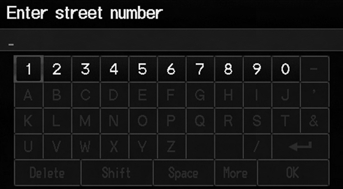
1. Enter a phone number.
2. Select Dial to begin dialing.
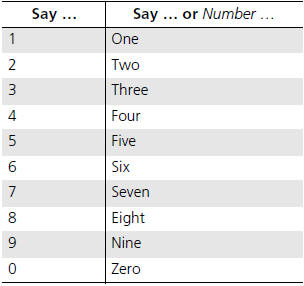
A command that consists of several numbers can
be spoken together.
QRG
Index
Home
TOC
For example, say ...
Mirrors
Keep the inside and outside mirrors clean and adjusted for best visibility.
Be sure to adjust the mirrors before you start driving.
The inside mirror has day and night positions. The night positio ...
Output Shaft (Countershaft) Speed Sensor Replacement (M/T)
M/T
Raise the vehicle on a lift.
Disconnect the output shaft (countershaft) speed sensor connector (A).
Remove the output shaft (countershaft) speed sensor (B).
...
Categories

© 2026 Copyright www.hfitinfo.com