
Honda Fit: Storing Your Home Address
1 Press the INFO button.

2 Select Setup.
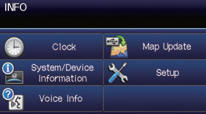
3 Select Personal Information.
4 Select Home Address 1.
5 Select Edit Name.
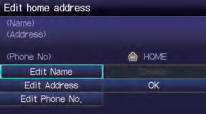
6 Enter a name and select OK.
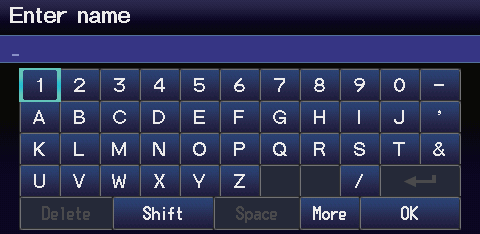
7 Select Edit Address.
8 Select Address.
9 Enter an address.
10 Select Edit Phone No.
11 Enter a phone number and select OK.
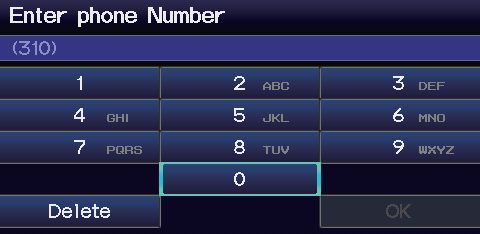
12 Select OK.
See also:
A FewWordsAbout Safety
Your safety, and the safety of others, is very important. And operating this
vehicle safely is an important responsibility.
To help you make informed decisions about safety, we have provided operat ...
Throttle Body Removal/Installation
caution
Do not insert your fingers into the installed throttle body when you
turn the ignition switch to ON (II) or while the ignition switch is in
ON (II). If you d ...
Front Passenger's Airbag Replacement (Removal)
NOTE:
If replacing the front passenger's airbag after deployment,
refer to Component Replacement/Inspection After Deployment
for a complete list of other parts that must also be r ...
Categories
