
Honda Fit: Acquiring GPS Information
Depending on the length of time the power was interrupted, your system may require GPS initialization.
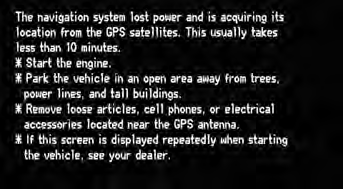
If initialization is not necessary, the system proceeds directly to the Startup Confirmation screen.
If the system fails to locate a sufficient number of satellites to locate your position within 10 minutes, the following screen is displayed.
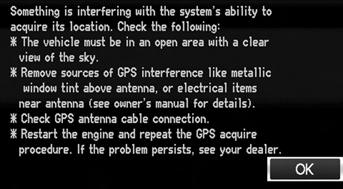
If you are experiencing GPS reception problems:
See also:
Adding Engine Oil
Unscrew and remove the engine oil fill cap on the valve cover. Pour in the oil
slowly and carefully so you do not spill any. Clean up any spills immediately. Spilled
oil could damage components ...
Rear Seat Control Cable Replacement
NOTE:
Take care not to tear or damage the seat covers.
Put on gloves to protect your hands.
Take care not to kink the cable.
The left rear seat is shown, the right rear ...
Removal
Raise and support the vehicle.
Remove the rear wheel.
Remove the wire guide grommet (A) from both sides of the axle beam.
@font-face ...
Categories
